FormCraft — a visual form builder that hands you the code, not a platform.
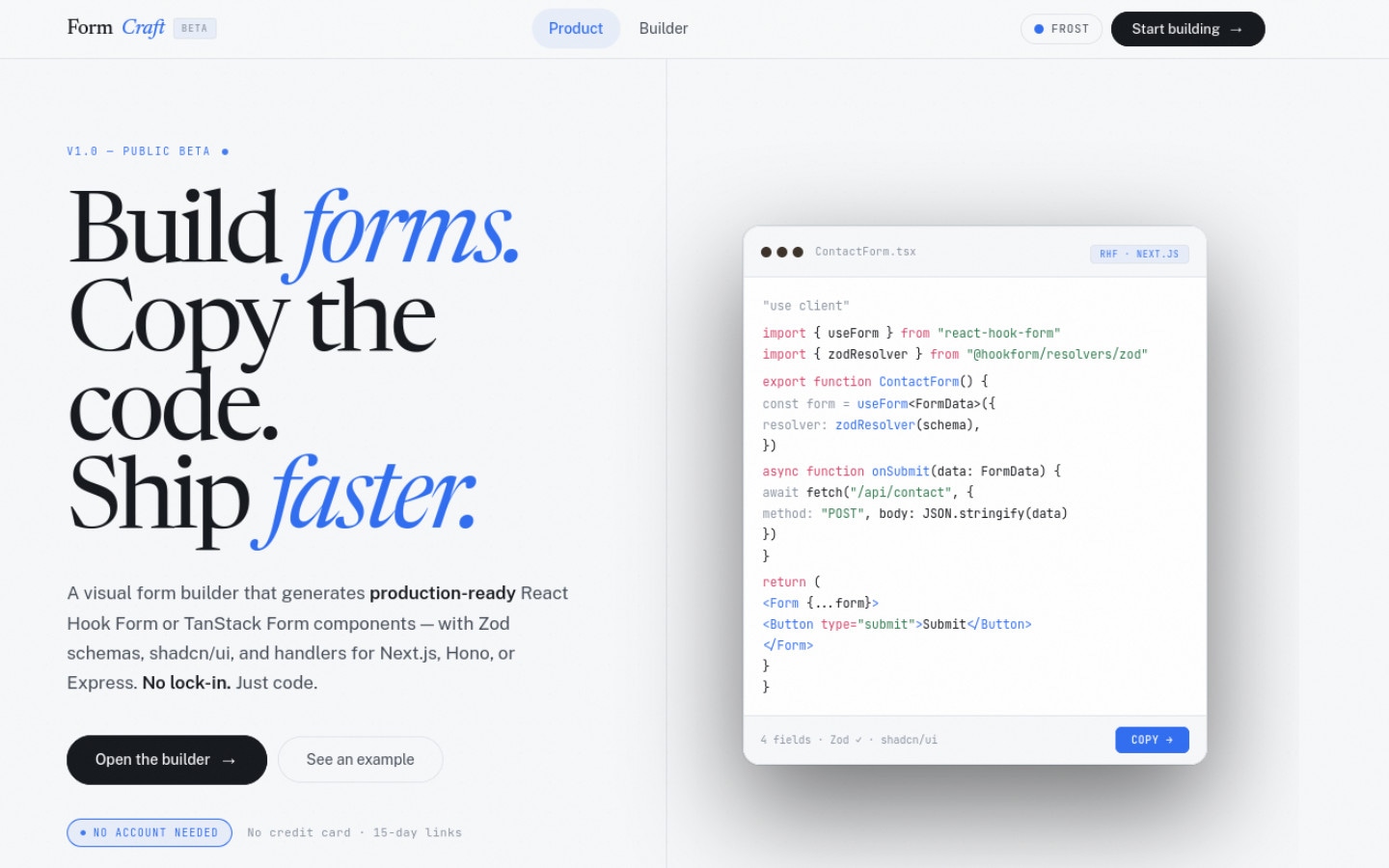
Drag fields, configure validation, pick a layout — then copy the JSX, Zod schema, and full page file and never look back.
§01The problem
Every scaffolding tool gives you a skeleton; no tool gives you a complete, wired-up form ready to paste into a real project. You still write the Zod schema by hand, wire up the library bindings, and add the shadcn fields one by one. For a multi-step form that is twenty minutes of boilerplate before you write a single line of business logic.
Form builders that do remove that friction trap you in their runtime. The generated output only works inside their platform, and migrating off means rewriting from scratch. FormCraft generates code you own: the component, the schema, and the page file — all of it plain TypeScript you can read, edit, and commit.
§02System architecture
A pure client-side studio with no backend — the only output is text you copy. The interesting engineering is keeping the builder state, the live preview, and three different output renderers in sync without the whole thing becoming a spaghetti of effects.
§03Three decisions worth defending
Generate code, do not wrap it
The output is a .tsx file with zero imports from FormCraft. Most generators produce components that call back into their own SDK — FormCraft produces code that reads as if you wrote it yourself. That is the exit guarantee.
Both RHF and TanStack Form as first-class targets
RHF is the market default; TanStack Form is the right choice for complex validation trees. FormCraft generates for either — not by maintaining two codebases, but by treating the form library as a codegen parameter the builder passes to the renderer.
Three output formats from one schema
The internal builder state is a JSON schema. JSX output, JSON export, and full page file are all renderers over that same schema — so adding a fourth output format (say, a Remix action) is a new renderer, not a new feature branch.
§04Hardest problems, plainly
Keeping preview and codegen honest
The live preview renders the actual form using the actual libraries. The codegen emits the text that represents it. If they ever drift — a validation rule in the preview that the codegen forgets to emit — the tool becomes a liar. The constraint: codegen is derived from the same schema the preview reads, never from inspecting the preview's DOM.
Multi-step state across codegen targets
Single-page forms are straightforward. Multi-step forms require coordinating step transitions, per-step Zod schemas, and a submission handler that only fires at the end — and that coordination looks different in RHF vs TanStack Form. The step model had to be library-agnostic at the schema level.
Formatting the emitted code
Code that comes out of a generator is usually unreadable — inconsistent indentation, unnecessary blank lines, jumbled imports. Running Prettier (via prettier/standalone) in the browser over the emitted string before the copy means what you paste is what you would have written.
“A tool that hands you a platform dependency is not a tool — it is a slow migration waiting to happen. FormCraft hands you a file.”— Parm, on FormCraft